- Overview
- Introduction to Cal.com Atoms
- Setup
- Apple calendar connect
- Availability settings
- Booker Embed
- Booker
- Bookings hooks
- Cal OAuth Provider
- Cal Provider
- Calendar settings
- Calendar view
- Calendars hooks
- Conferencing Apps
- Create schedule
- Event Type
- Event types hooks
- FAQ
- Google calendar connect
- List Event Types
- List schedules
- Onboarding Embed
- Outlook calendar connect
- Payment form
- Quickstart
- Stripe Connect
- Troubleshooter
- User / Teams hooks
- Bookings hooks
- Calendars hooks
- Event types hooks
- FAQ
- Introduction
- Quickstart
- User / Teams hooks
- Apple calendar connect
- Availability settings
- Booker Embed
- Booker
- Cal OAuth Provider
- Cal Provider
- Calendar settings
- Calendar view
- Conferencing Apps
- Create schedule
- Event Type
- Google calendar connect
- List Event Types
- List schedules
- Outlook calendar connect
- Payment form
- Stripe Connect
- Troubleshooter
- Managing booking fields
- Booking redirects
- Custom booking flow
- Custom slot selection flow
- Global event types
- Managed organizations
- Custom toasts
- Configuring your team
Introduction
Archived Cal.com Atoms documentation for Introduction. These deprecated SDK components are no longer maintained.
Cal.com's platform product is now coss.com Scheduling: start there for marketplaces and platforms. Existing Atoms integrations keep receiving fixes, and building on your own Cal.com account is API v2.
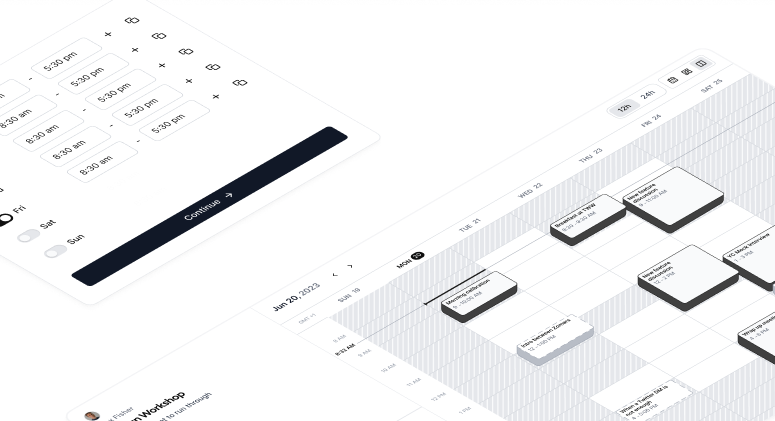
Customizable UI components handling scheduling on behalf of your users
Learn how to create specific things
Learn how to use Cal.com's API to CRUD various Cal resources programmatically
Welcome to the Platform Documentation!
Platform is the best choice for starting a scheduling business. You can white-label the design or change every line of code to make it work for you. It consists of our newly created set of APIs and plug and play UI components called atoms.
Last updated
On This Page