List Event Types
Archived Cal.com Atoms documentation for List Event Types. These deprecated SDK components are no longer maintained.
This is now deprecated and under maintenance for existing users only - no new customers can sign up for the platform plan
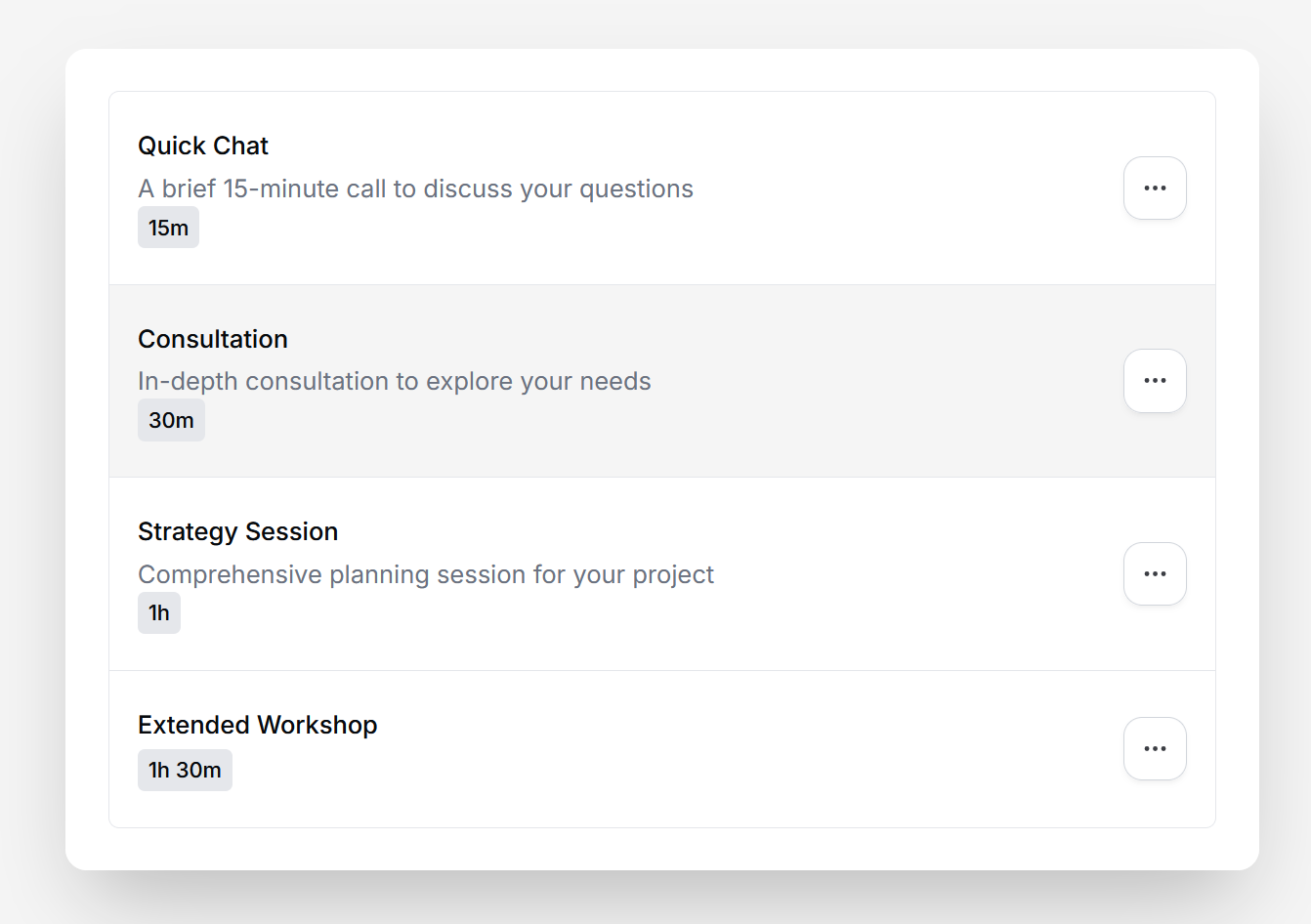
The List Event Types atom displays all of a user's event types with their title, description, and duration. Each item includes a dropdown menu with edit and delete actions.
Quick start
Below is a code snippet to render the ListEventTypes atom. The getEventTypeUrl prop receives the event type ID and should return the URL where users will be redirected when clicking on an event type.
import { CalProvider, ListEventTypes } from "@calcom/atoms";

export default function EventTypesPage() {
  return (
    <CalProvider clientId="your-client-id" accessToken="user-access-token">
      <ListEventTypes getEventTypeUrl={(eventTypeId) => `/event-types/${eventTypeId}`} />
    </CalProvider>
  );
}
The ListEventTypes atom requires authentication. Make sure it's wrapped in a CalProvider with a valid
accessToken.
Props
Demo
Combining with EventTypeSettings
The ListEventTypes atom can be combined with the EventTypeSettings atom to provide a complete event type management experience. When a user clicks on an event type from the list, they are redirected to a settings page where they can edit the event type details.
Create the list page
Use the quick start example above to set up a page that displays all event types. The getEventTypeUrl prop should return the route where you'll render the EventTypeSettings atom (e.g., /event-types/${eventTypeId}).
Create the settings page
Set up a dynamic route page (e.g., /event-types/[eventTypeId]) that extracts the event type ID from the URL and passes it to the EventTypeSettings atom:
import { useRouter } from "next/router";

import { CalProvider, EventTypeSettings } from "@calcom/atoms";

export default function EventTypeSettingsPage() {
  const router = useRouter();
  const eventTypeId = Number(router.query.eventTypeId);

  if (!eventTypeId) return null;

  return (
    <CalProvider clientId="your-client-id" accessToken="user-access-token">
      <EventTypeSettings
        id={eventTypeId}
        onSuccess={() => {
          console.log("Event type updated successfully");
        }}
      />
    </CalProvider>
  );
}
For a complete implementation example, check out the example app.
Last updated