# Introduction (/docs/atoms-deprecated/platform/introduction)
Cal.com's platform product is now [coss.com Scheduling](https://coss.com/products/scheduling): start there for marketplaces and platforms. Existing Atoms integrations keep receiving fixes, and building on your own Cal.com account is [API v2](https://cal.com/docs/api-reference/v2/introduction).
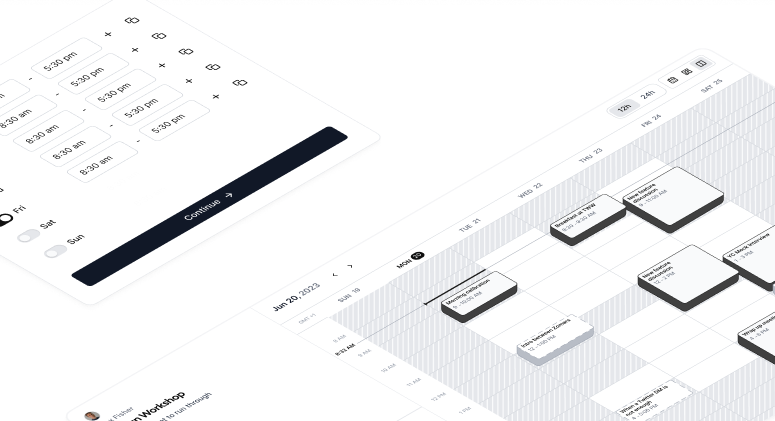 Customizable UI components handling scheduling on behalf of your users
Learn how to create specific things
Learn how to use Cal.com's API to CRUD various Cal resources programmatically
## Welcome to the Platform Documentation! [#welcome-to-the-platform-documentation]
Platform is the best choice for starting a scheduling business. You can white-label the design or change every line of code to make it work for you. It consists of our newly created set of APIs and plug and play UI components called atoms.
---
Get started with Cal.com atoms